Service 04
Real-Time Material Customization
Compare finishes in the space itself, not on a swatch card.
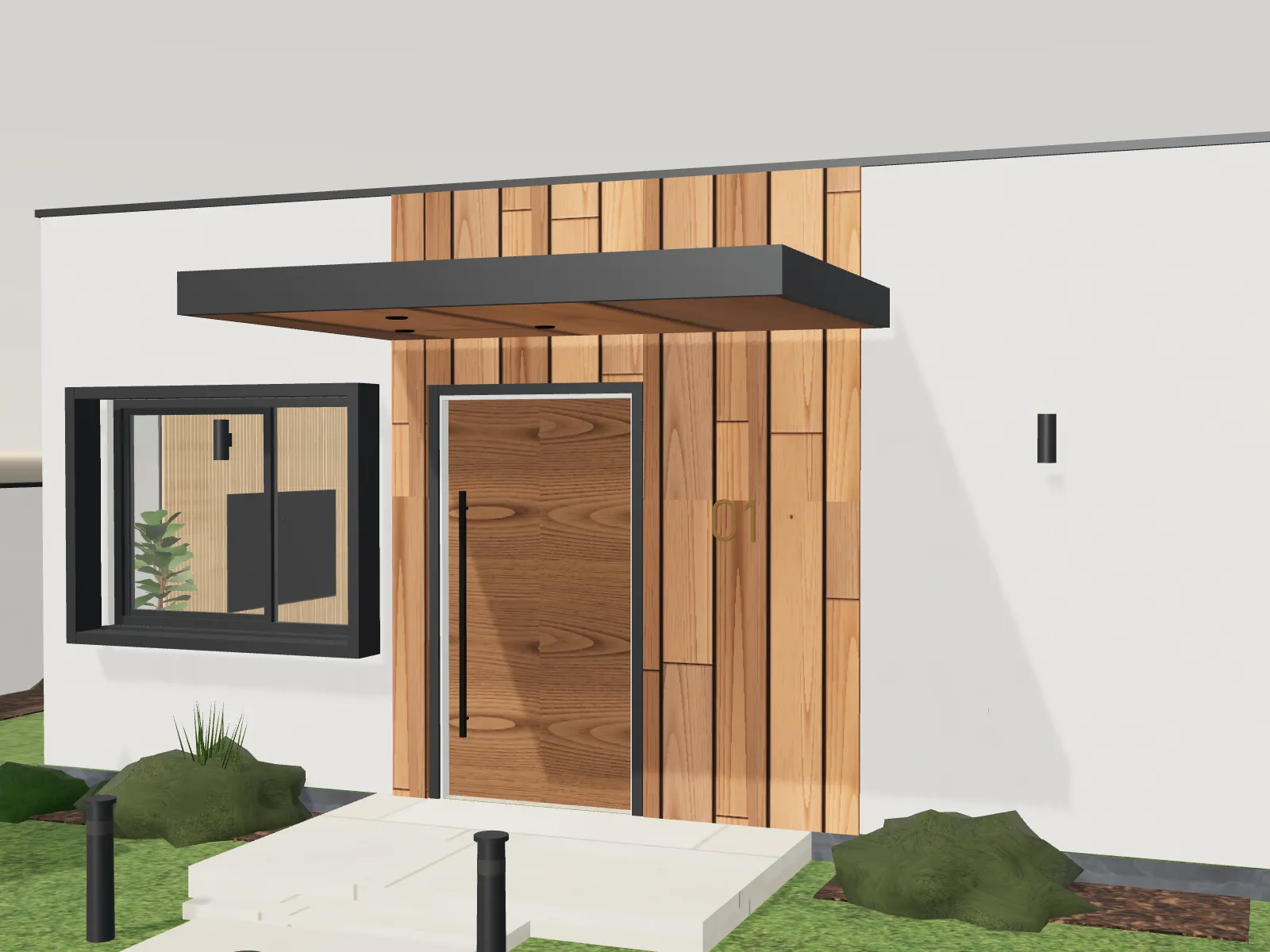
Switch wall colors, flooring, exterior cladding, door and window finishes and selected furniture inside the 3D model, instantly, without reloading.
Scope at a glance
Deliverables are confirmed in your quotation after we review your drawings and goals.
What you provide
- The finish options you want to compare
- Product references or samples where available
Typically included
- Configured material options per surface group
- Named presets for quick comparison
- Reset to the default design
Good to know
- Options are defined per project during scoping — clients compare a curated set rather than an unlimited catalogue.
- On-screen color is an approximation; confirm final selections with physical samples.
Questions
How many options can be included?
It depends on the project. We agree surface groups and options during scoping so every combination is prepared properly.
Ready to see your drawings in 3D?
Send your plans for review. A request is not a commitment — you decide after you see the quotation.